
Ops module
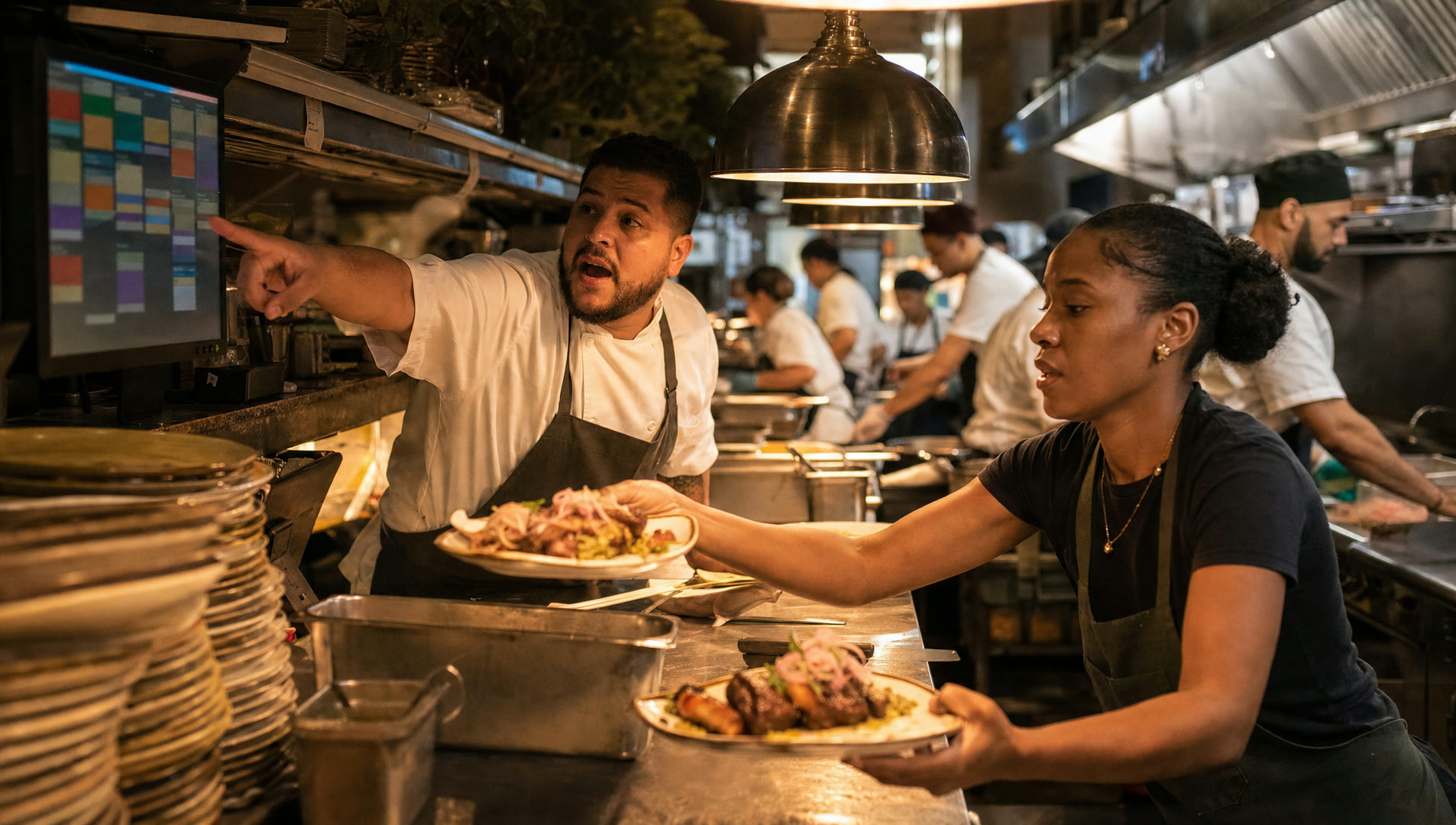
The whole shift on one screen.
By the numbers
The rush is when everything happens at once
68%
of calls to restaurants come in during the lunch and dinner rushes — when staff are busiest.
Source: Maple, 1M+ restaurant calls, 2025
What changes with Gumbeaux
Incoming calls show on the board with who’s calling, next to the orders and the reservation book.
3 in 4
restaurant operators say technology gives them a competitive edge.
Source: National Restaurant Association, 2024
What changes with Gumbeaux
One board arranged by service phase, so every station sees what matters now — and acts with a tap.
Industry research about restaurants in general, shown with its source — not results from Gumbeaux Soft customers.
Time back
The shift, two ways
Knowing what’s happening
Five screens, a printer and the phone.
One board, arranged by service phase.
86 the brisket
Tell the kitchen, the host, the website, the boards.
One tap — everywhere knows.
The phone rings
Who is it? No idea.
The caller’s name, tier and today’s booking, on the board.
A party arrives
Crossed off in pen.
Tapped arrived — or no-show — on the board.
A new order
Somebody notices eventually.
A chime and a card on the board.
How it works
How it works
Arrange it for your venue
Panels and service phases, edited without code.Everything lands on it
Orders, reservations, sold-outs, calls, inquiries and prep.Tap to act
Sold out, restocked, ready, arrived, no-show, prep done.Everything else follows
Website, boards, phone and guest record update.
Ops board · Dinner
Friday 6:42 pm
Order 1043 · pickup
Ready6:55
Incoming call
Callingnow
Brisket
LowHarper, party of 12
Arriving7:00
Bread pudding
Sold outCatering inquiry
NewFeatures
What it does
One board for the shift
Tap to act
Incoming-call alert
Caller snapshot
New-order chime
Daily sold-out board
Board editor
No silos
What it connects to
Questions